Shipping & Returns
Shipping & Returns
The NoonWake journal
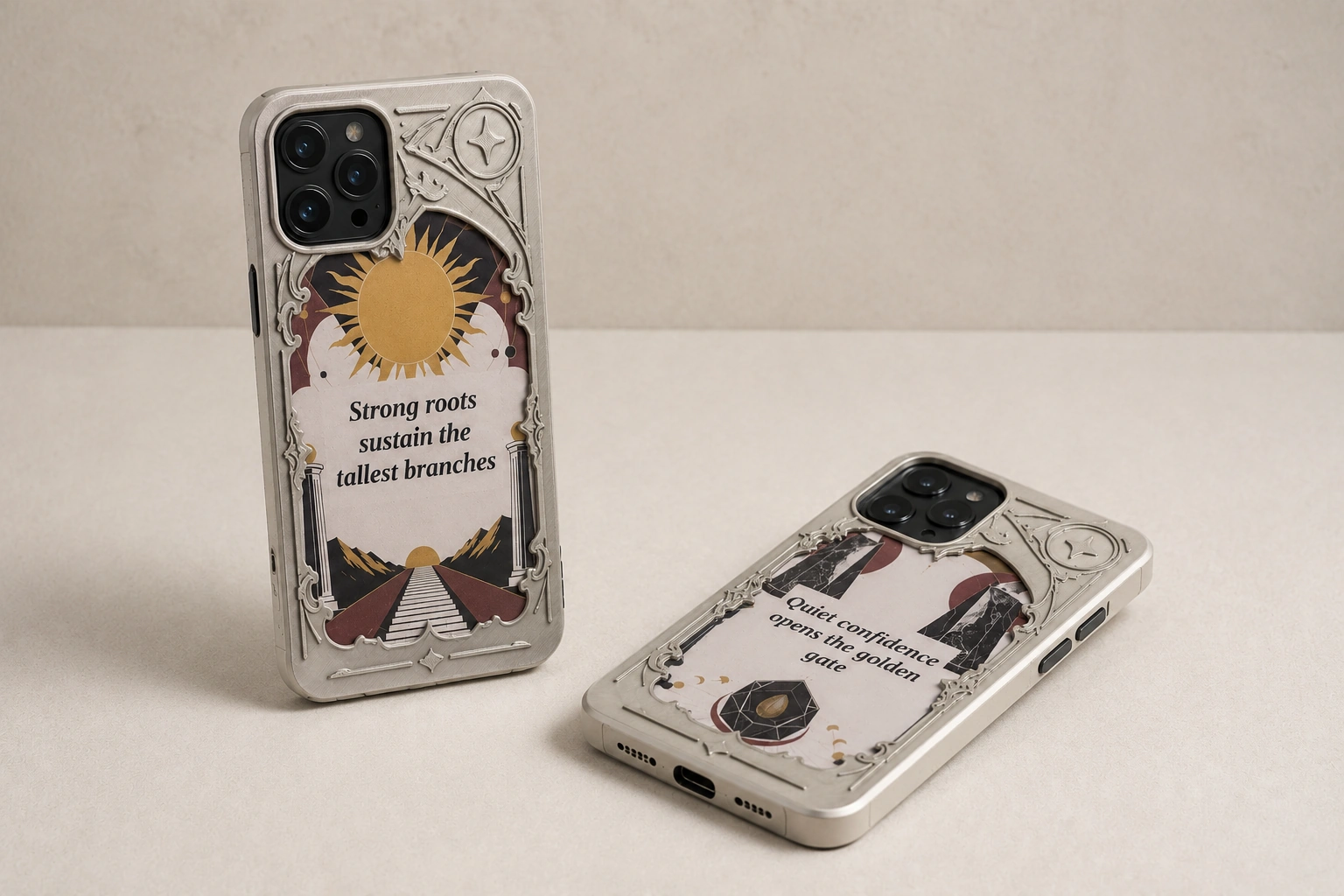
A different display. The same case.
An e-ink display surrounded by a silver-colored relief design. Update its display from Calendar, then take it with you when you pick up your phone.
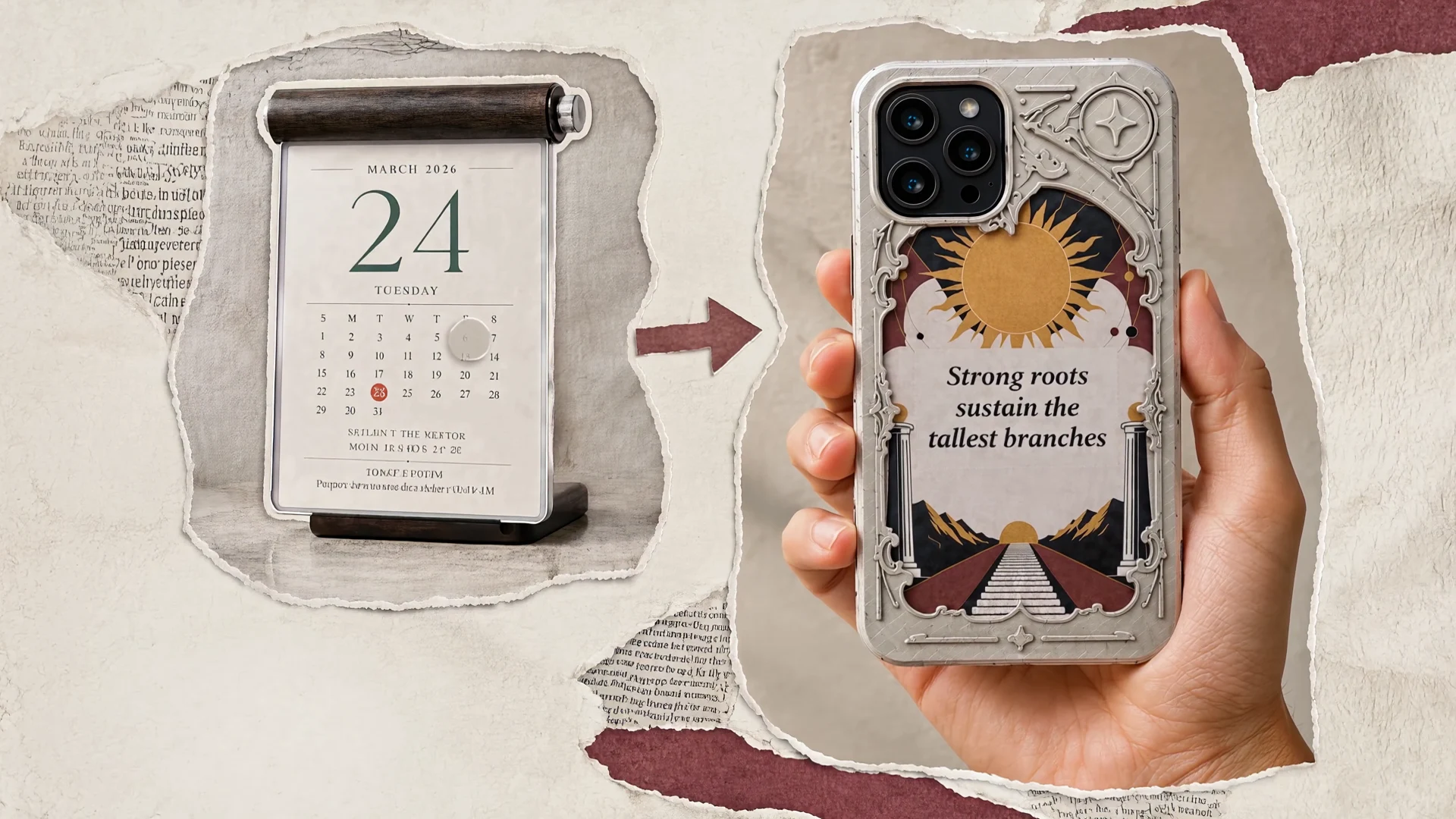
Choose your exact iPhone model. Calendar transfers display data over Bluetooth. Carry the case with you; Calendar is sold separately.
How display updates work
From your desk to your day.
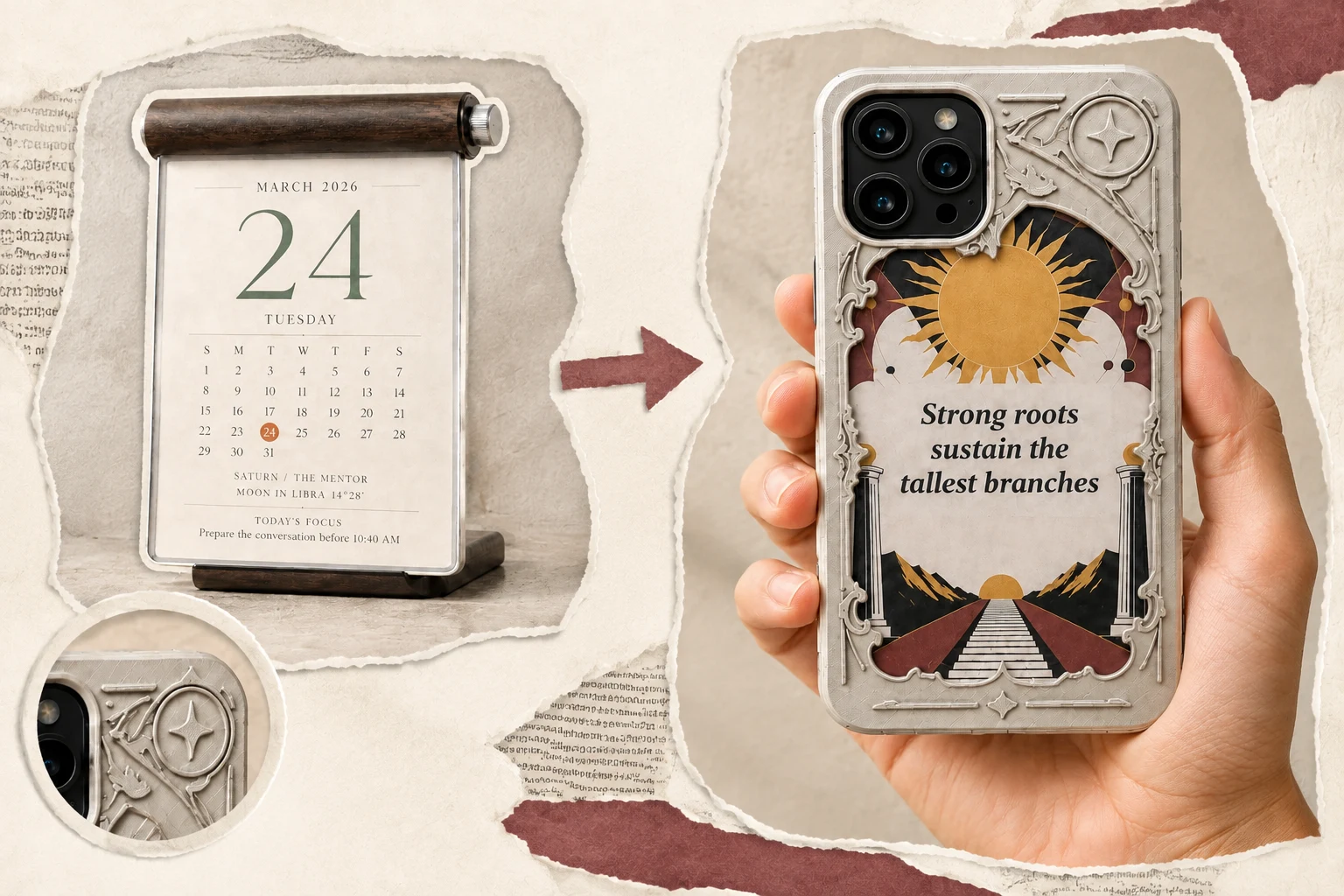
Start with Calendar
You need Calendar Device for the supported update path. The price of the case covers the case; Calendar is a separate product.
Before you choose
Check your model. Then your setup.
Already have Calendar? Choose the available option matching your exact iPhone model. For your first setup, consider Calendar’s separate price and feature access as well as the case. Contact support if your model is not listed.
Product facts
E-Ink Phone Case supports the iPhone 13–18 range. Choose the listed case option matching your exact phone model; contact support about other models before ordering. Calendar Device is required to update the e-ink display: the case connects to Calendar Device by Bluetooth, and Calendar Device transfers the display data. The case has a replaceable battery and does not require an external power connection for normal use.
Read all product factsA few useful answers
Before you decide.
Which iPhones does it fit?
E-Ink Phone Case supports the iPhone 13–18 range. Choose the listed case option matching your exact phone model; contact support about other models before ordering.
Can my phone update the display directly?
Calendar Device is required to update the e-ink display: the case connects to Calendar Device by Bluetooth, and Calendar Device transfers the display data.
Does it need a cable during use?
The case has a replaceable battery and does not require an external power connection for normal use.
Customer reviews.
Reviews come from verified purchases of this product in NoonWake Shop. Positive and negative experiences are welcome.